This content is also available in:
Español (Spanish)
Welcome! CareerConnect, FamilyConnect, and VisionAware are now live in one easy-to-use site!

Our mission is to empower people toward greater independence and lifelong success by providing free curated information and resources to assist children, parents, job seekers, and adults who are blind or low vision.
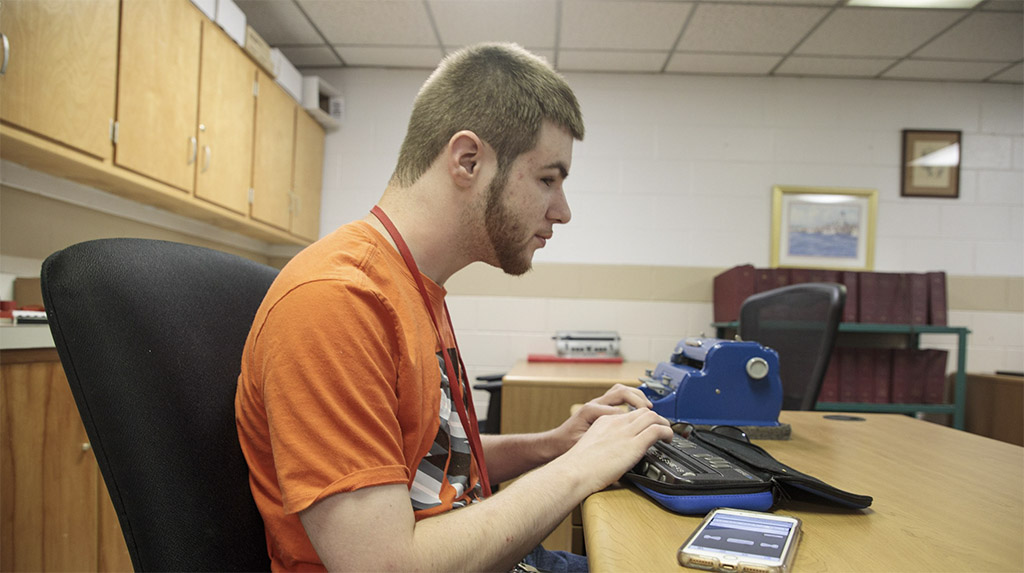
For Job Seekers & Employers
Employment information, tools, and guidance for job seekers who are blind or low vision.

For Families
Offers support and resources for families of children who are blind or low vision.

VisionAware
For people adjusting to blindness or low vision, family members and professionals who serve them.
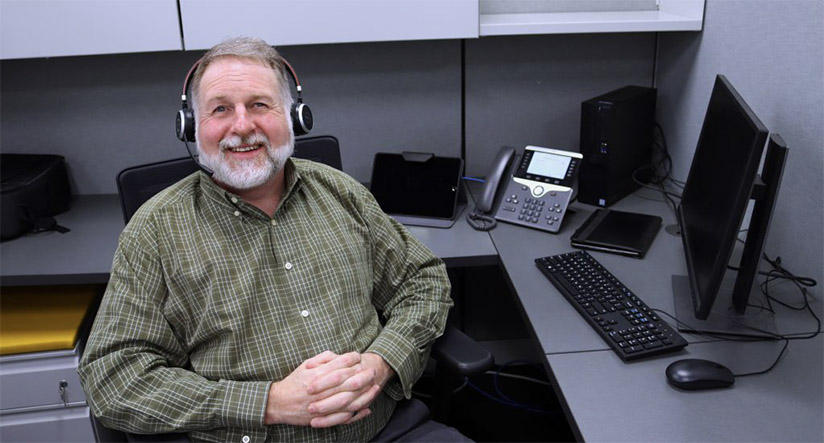
Need to talk?
If you are looking for resources and services, one of our experienced representatives can provide free information on virtually any topic related to blindness and low vision. Call toll-free (800) 232-5463 Mon-Fri 8 AM – 8 PM Eastern or e-mail us at [email protected].
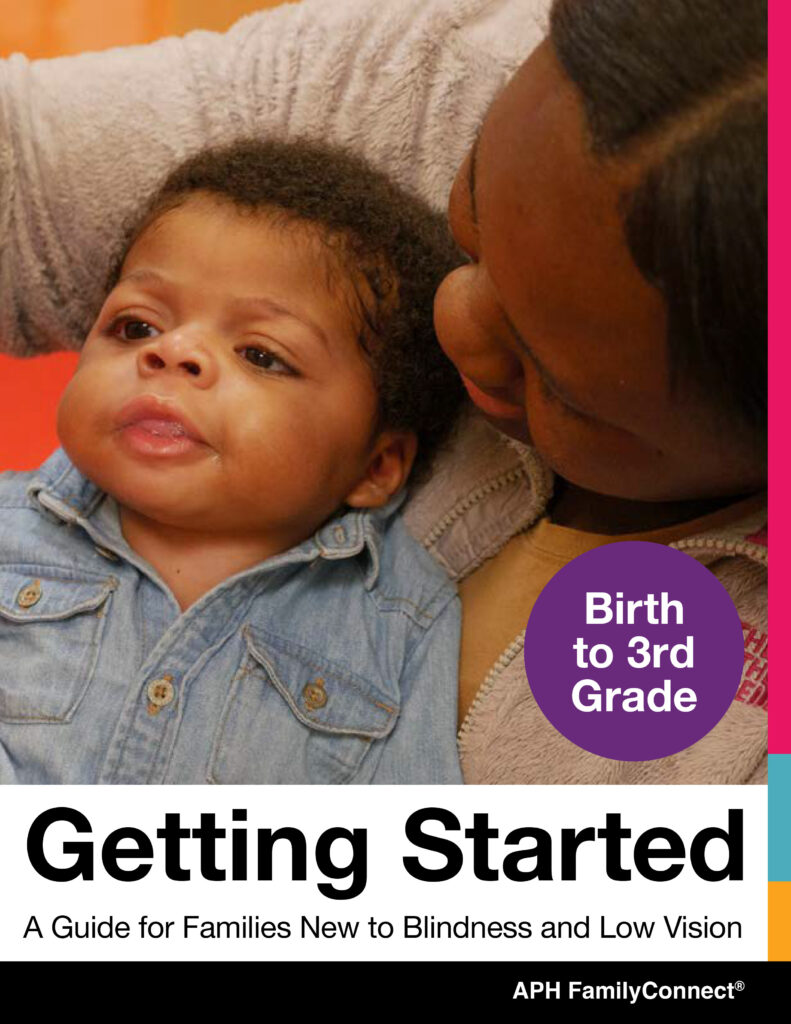
New for 2024! FamilyConnect’s Getting Started Guide Birth to 3rd Grade
provides information about visual development, navigating IFSP and IEPs, tips and ideas to support your child at home, braille literacy, and a wealth of other resources to support you raising your child.
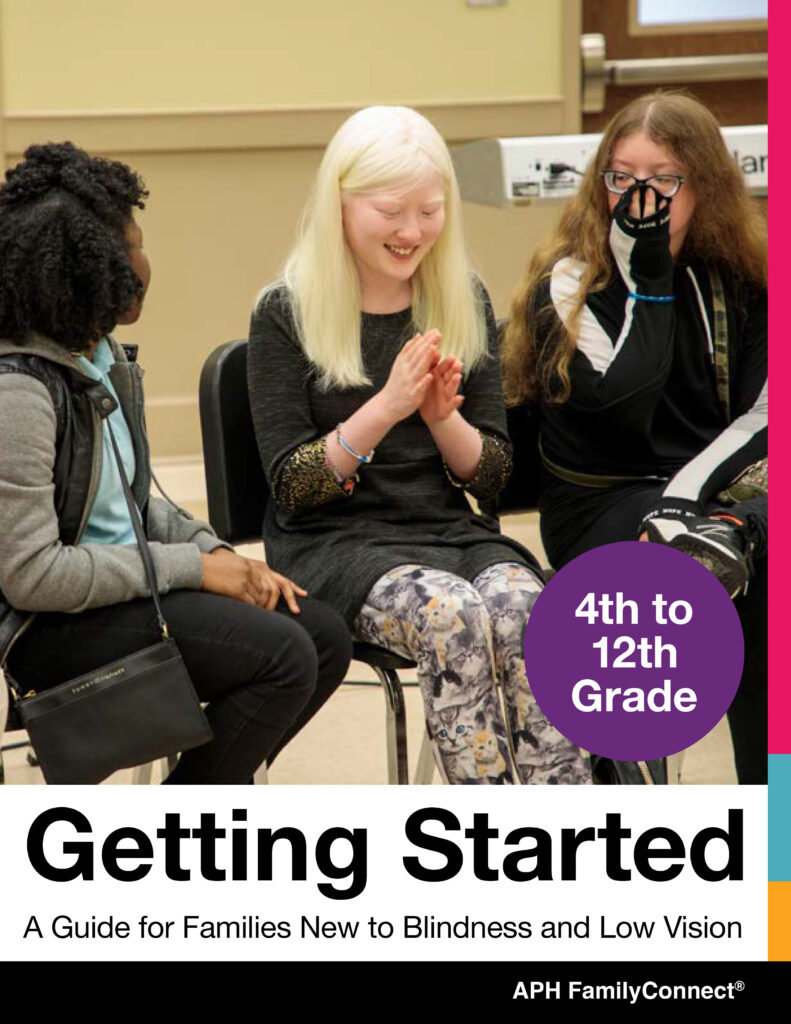
New for 2024! FamilyConnect’s Getting Started Guide 4th to 12th Grade
provides information about vision in children, navigating IEPs, tips and ideas to implement in your home, technology, transition and a wealth of additional resources to support you raising your child.
Exploring Your Future?
Find information about programs that emphasize empowerment, career exploration, and work experiences for teens and young adults who are blind and have low vision in our Transition Hub.
Are You a Job Seeker?
Attention, students and job seekers with blindness or low vision! Prepare to sharpen your career exploration and job-seeking abilities. The APH ConnectCenter and NSITE have collaborated to refresh the Job Seeker’s Toolkit, offering an accessible, self-paced, and complimentary online training course. For more details about the toolkit, visit CareerConnect.
Blog Posts
-
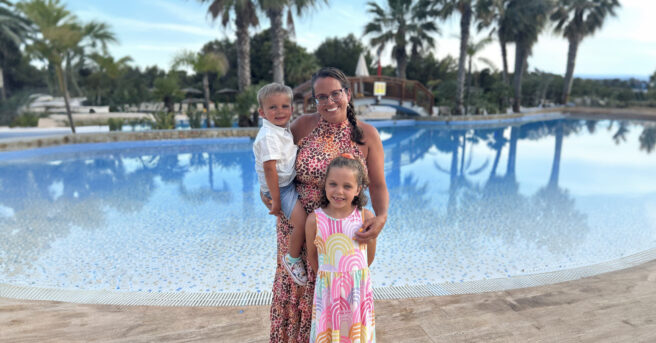
This content is also available in: Español (Spanish)I am a partially-sighted, 41-year-old mum of two. My low vision is a hidden disability. Besides wearing glasses, you wouldn’t even know I […]
-

This content is also available in: Español (Spanish)Welcome to May and the celebration of Older Americans Month! The theme for 2024, “Powered by Connection,” highlights the vital role that meaningful […]
-

This content is also available in: Español (Spanish)Approximately 8.7 million people between 18 and 64 report blindness and low vision in response to the question, “Are you blind, or do […]
Webinars
-
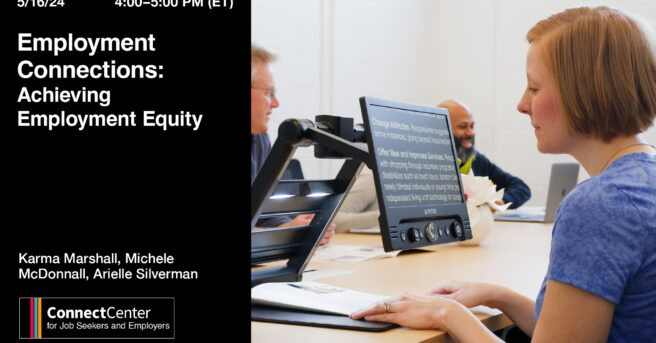
This content is also available in: Español (Spanish) Webinar Date: Thursday, May 16, 2024 4:00 PM EDT The APH ConnectCenter is pleased to be hosting practitioners in the field of […]
-
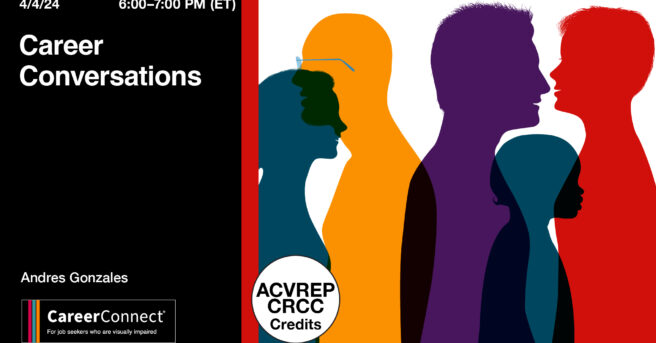
This content is also available in: Español (Spanish) Webinar Date: Thursday, April 4, 2024 6:00 PM EDT Join the team at APH ConnectCenter for our very popular Career Conversations Series. […]
-
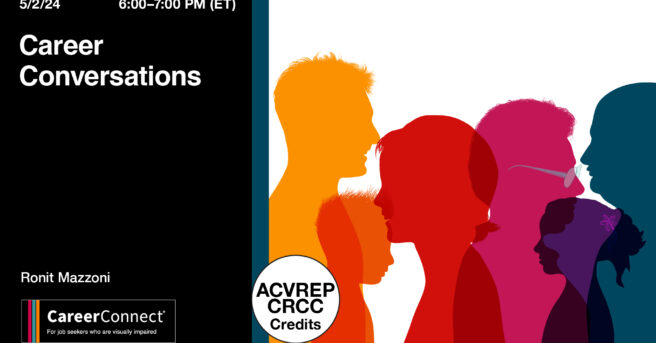
This content is also available in: Español (Spanish) Webinar Date: Thursday, May 2, 2024 6:00 PM EDT Join APH CareerConnect for our very popular Career Conversations Series. Ronit Mazzoni will […]
-
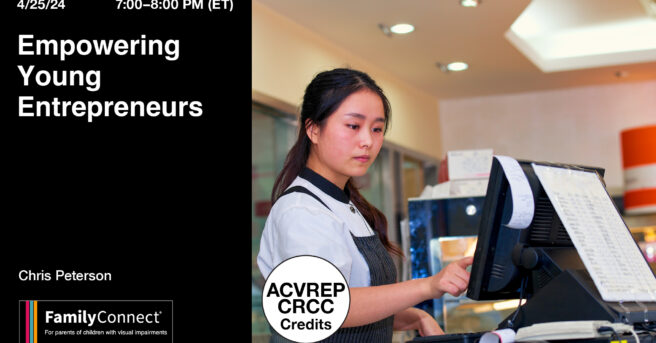
This content is also available in: Español (Spanish)It is never too early to begin earning a little cash. The key is to let your child take the lead with their […]
-
This content is also available in: Español (Spanish) Webinar Date: Thursday, February 29, 2024 6:00 PM EST Join APH CareerConnect for our very popular Career Conversations Series. Nefertiti Matos Olivares, Workflow […]
-
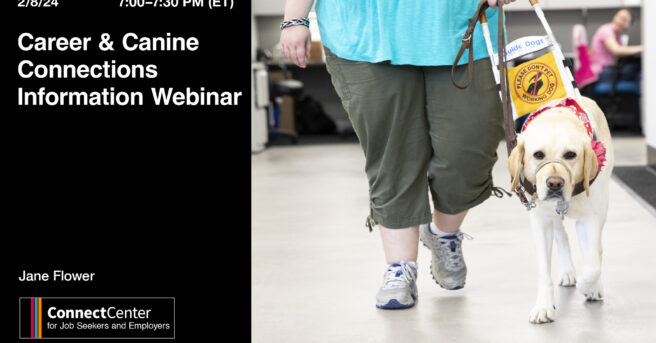
This content is also available in: Español (Spanish) Webinar Date: Thursday, February 8, 2024 7:00 PM EST Imagine a week where career dreams meet wagging tails! Join the Careers & […]